Kurogane Players Hub
Starter loadouts, aura priorities, and build planning for campus PvP and social play.
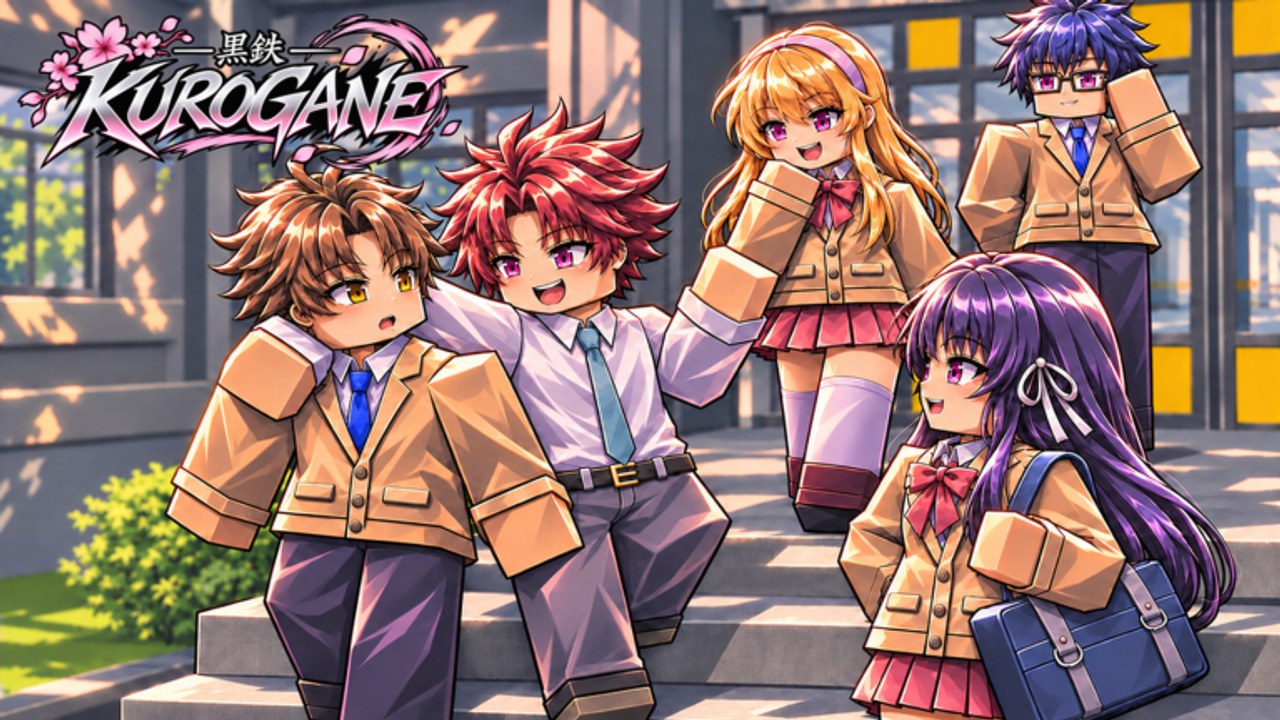
The Players Hub is where Kurogane build thinking lives. This is not a separate RPG party roster. It is the place to plan how your student enters campus life: what to unlock first, which aura goals matter, how to spend Rerolls after codes, and how your look supports real fights instead of only screenshots. Start with Starter Loadout after you redeem Codes, then open Presence Loadout when you are ready to buy social gravity on purpose. Branch into combat and reroll guides as needed.
What a Kurogane player build means
In Kurogane, a build is the combination of:
- Customization state from Rerolls, Wheel Spins, Yen, accessories, auras, and styles.
- Fight habits from spacing, HP exits, and location choices.
- Social posture: whether you look for clean 1v1s, group chaos, or hangout-first sessions.
- Platform comfort from PC, mobile, tablet, Xbox, or PlayStation controls.
Those pieces belong together. A rare aura on a player who cannot leave a courtyard swarm is still a bad day. A perfect sensitivity setup with zero currency plan is unfinished. Use this hub to keep the pieces aligned.
Start here after codes
Day-one order that saves the most pain:
- Redeem everything on Codes through the Rewards Codes tab.
- Finish the orientation loop in Getting Started.
- Confirm inputs in Controls.
- Open Starter Loadout and pick priorities before rolling.
- Only then spend into goals from Rerolls and Auras.
If you skip step four, you will invent a new goal every time a lobby flex walks by.
Child pages under this hub
Starter Loadout ranks beginner priorities after free Rerolls and Wheel Spins land. It explains what to secure first, what can wait, and how to test a look in real campus fights without burning your whole bank. That is the first child guide under this hub.
Presence Loadout is the second child page. It covers the presence lane in depth: visible aura and style for social gravity, when to choose it over practice, spending after codes, and how to test loud looks in public without feeding teamers. Open it after your starter priorities are stable.
Build lanes you can actually choose
Most new Kurogane players fall into one of three lanes:
Practice lane. Quiet or practical look, focus on Combat fundamentals, delay expensive aura chasing. Best if you still lose camera control or panic when teamers arrive.
Presence lane. Spend into a visible aura or style identity so hangouts and duel requests come to you. Best if you already understand exits and want social gravity. Full walkthrough: Presence Loadout. Cross-check value on the Tier List Hub.
Update lane. Bank currency for Shinobi Style or other patch-driven targets listed on Updates. Best if you have a usable temporary look and dislike spending twice.
You can change lanes weekly. You should not try to run all three with twenty Rerolls.
How auras and styles fit player identity
Auras are the loud signal. Styles are the identity layer people name out loud. Together they shape who challenges you. Read Rerolls and Auras for spending rules, then return here to decide whether your identity should be quiet learner, flashy duelist, or update sniper. The Tier List Hub helps when you care about community consensus, but your lane still matters more than a stranger’s ranking screenshot.
Social builds are still builds
Kurogane is a social school game as much as a battlegrounds game. A social-first player still needs an exit plan and a currency plan. Hangout spots become fight spots without warning. If your build exists only for screenshots, you will hate the first rooftop collapse. Keep one combat habit in every social plan: know two exits from your favorite hangout.
Friend groups also change build value. A flashy aura is safer when trusted players discourage unfair collapses. Solo public play often rewards quieter practice-lane choices until you know server culture.
Platform-aware player planning
Your main device should influence priorities. Mobile players may value calmer camera-friendly looks while learning. PC players can chase higher precision fight habits earlier. Console players should budget time for menu fluency so Rewards and roll UI never steal a life. Details live in Controls, but the decision belongs here: do not copy a PC creator’s entire spend order if you are on a phone thumb cluster.
Using this hub during the season
Revisit the Players Hub when:
- A new style or aura pool lands on Updates.
- You finish a big code drop and need a spend plan.
- Your current look attracts more teamers than duels.
- You switch main platform.
- You move from practice lane into presence lane.
Each revisit should end with one written goal and one linked guide, not fifteen open tabs and no decision.
Recommended reading order from this hub
- Starter Loadout for beginner priorities.
- Presence Loadout for social-gravity builds after the starter plan is stable.
- Codes for free Rerolls and Wheel Spins.
- Rerolls and Auras for stop conditions and Shinobi Style timing.
- Combat for testing the build under pressure.
- Tier List Hub for community ranking context.
- Guides Hub for the full tutorial map.
Kurogane players who look intentional usually planned intentional. Use this hub to keep your student coherent across fights, hangouts, and reroll sessions.
Frequently Asked Questions
Quick answers for Kurogane players.
What is the Players Hub for in Kurogane?
It collects build and loadout planning: starter priorities, aura goals, and how your look supports campus fights and social play.
Which player page should I open first?
Open Starter Loadout after redeeming Codes so your first Rerolls and Yen follow a plan. Move to Presence Loadout when you want a visible social-gravity build.
Should I copy the tier list exactly?
Use the Tier List Hub as context, but pick a practice, presence, or update lane that matches your skill and currency.
Do social players still need a loadout plan?
Yes. Hangouts turn into fights quickly, so even social-first students need exits, currency discipline, and a usable look.