Kurogane Guides Hub
Campus walkthroughs, map routes, fighting tips, Yen shop planning, and controls for every platform.
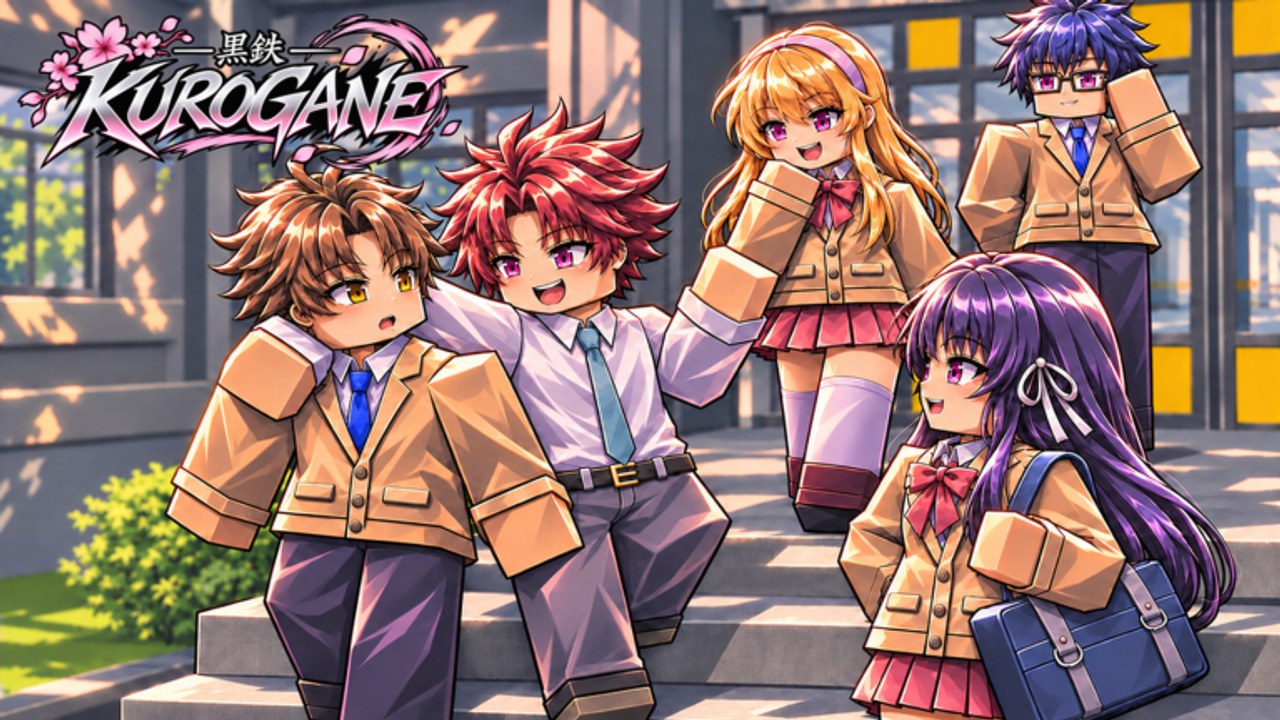
Welcome to the Kurogane Guides Hub. Kurogane is a Roblox school battlegrounds and social experience by next project! where you fight students on campus, hang out between rounds, unlock accessories, and customize your look with rerolls or Yen. Auras and styles matter in both fights and flex culture, and updates like Shinobi Style keep the meta moving. This hub is the map for every how-to on the wiki.
If you just installed the game, start with Getting Started. That day-one walkthrough covers joining a server, reading the campus layout, claiming Codes for free Rerolls and Wheel Spins, surviving your first fights, and using social spaces without feeding every lobby. Pair it with Controls so PC, mobile, tablet, Xbox, and PlayStation inputs feel intentional instead of accidental, then deepen landmark literacy with the Campus Map guide.
Core guide map
Use these pages in order if you are brand new, or jump straight to the mechanic you need:
- Getting Started — first session checklist, Rewards menu, codes, early campus routes, and how to mix fighting with social play.
- Campus Map — courtyards, rooftops, halls, hangout versus duel spots, exits, and how layout ties into combat and social loops.
- Combat — spacing, HP management, aura pressure, rooftop and courtyard tips, and dealing with teamers.
- Rerolls and Auras — free rolls, wheel spins, aura goals, Shinobi Style context, and when to stop rolling.
- Yen & Shop — when to buy versus roll, accessory discipline, and spending habits that protect your bankroll.
- Controls — platform input overview, Rewards and Codes menus, and accessibility habits that keep you in fights longer.
After the core six, cross into Players Hub and Starter Loadout so your first currency dump goes into useful priorities instead of random cosmetics. Check the Tier List Hub when you want a snapshot of which styles and looks people value, and skim Updates whenever a patch or style drop lands.
How Kurogane sessions usually feel
A typical Kurogane session blends three loops. First is campus PvP: short fights in courtyards, hallways, rooftops, and open yards where spacing and timing beat button mashing. Second is social hangout: standing around, chatting, showing auras, and forming groups that later become fight crews. Third is customization: spending Rerolls, Wheel Spins, and Yen to chase accessories, auras, and styles that match how you want to play and look. Guides on this wiki treat those loops as connected. A combat tip that ignores aura visibility, a map tip that ignores exits, or a shop tip that ignores fight pressure is only half useful.
Because Kurogane runs on Roblox across PC, Mobile, Tablet, Xbox, and PlayStation, the same advice has to survive different input methods and camera habits. That is why Controls exists as its own page instead of a footnote. Mobile players often need clearer movement discipline; console players need careful camera and menu navigation; PC players can abuse precise spacing but still lose to coordinated groups. The combat and campus map guides call those differences out without assuming one platform is the only meta.
What to read before you spend currency
Free Rerolls and Wheel Spins from Codes are the fastest early boost. Redeem every working code before you commit to a long reroll or shop session. Then read Rerolls and Auras for pull discipline and Yen & Shop for buy-versus-roll judgment, accessory sequencing, and bankroll habits. Together they explain why chasing every flashy result can empty your inventory with nothing useful to show in fights. Shinobi Style and similar updates change what people chase; treat style drops as reasons to re-check goals, not as excuses to spam every roll or Yen stack you own in one night.
If you prefer a build-first mindset, open Starter Loadout after codes. That page ranks early priorities: secure free currency, stabilize a readable look, learn one fight rhythm, then decide whether aura chasing or accessory unlocking comes next. The Players Hub collects that planning space so loadout advice does not get buried inside combat paragraphs.
Fighting and social balance
Kurogane markets itself as fight-plus-friends, and that mix is real in servers. Aggressive players will challenge you in open areas; chill groups will hang out near landmarks; mixed lobbies will flip from talk to brawl in seconds. Combat teaches you how to disengage, reset HP, and avoid feeding teamers. Campus Map shows which courtyards, roofs, and halls support fair practice versus chaotic collapses. Getting Started teaches you when to accept a duel and when to walk away. Good sessions usually include both: a few focused fights to learn timing, then social time to learn the map and meet people who will not dogpile you for no reason.
Keeping guides useful after patches
Live Roblox battlegrounds change. When next project! ships balance tweaks, new accessories, aura pools, or style updates, start at Updates, then return here and re-open the affected guide. Combat fundamentals and exit routes rarely vanish overnight, but aura goals, shop priorities, and style flex spots can. Use the Tier List Hub as a living opinion layer on top of the mechanical guides. If a tip on this hub contradicts a brand-new patch note, trust the update page and adjust.
Suggested learning path
- Redeem everything on Codes.
- Finish Getting Started and Controls.
- Scout landmarks with Campus Map, then run fair 1v1s using Combat.
- Plan rolls with Rerolls and Auras, shop spends with Yen & Shop, and priorities on Starter Loadout.
- Compare goals against the Tier List Hub and track changes on Updates.
Bookmark this Guides Hub. New walkthroughs will land here first, with deep links from related hubs so you never have to guess which page owns a mechanic.
Frequently Asked Questions
Quick answers for Kurogane players.
Which Kurogane guide should I read first?
Start with Getting Started, redeem Codes, skim Controls, then use Campus Map before your first serious courtyard fights.
Do these guides cover PC and console?
Yes. Combat, Campus Map, and Controls call out PC, mobile, tablet, Xbox, and PlayStation habits so the same fundamentals work across platforms.
Where do I learn about rerolls, Yen, and the shop?
Use Rerolls and Auras for pull goals, Yen & Shop for buy-versus-roll discipline, then cross-check Starter Loadout and the Tier List Hub.
How often should I re-check this hub?
After major Updates such as new styles, shop changes, or aura pools, reopen the affected guide and refresh your loadout plan.